
Give your local LLM fresh eyes: private web search with SearXNG and Ollama
A local model knows nothing about this week. This piece shows how to fix that: run Searxng next to Open WebUI and give Ollama private web search, then look the other way, searching your own documents instead of the internet, from one-click upload to a few lines of Python to an enterprise stack.
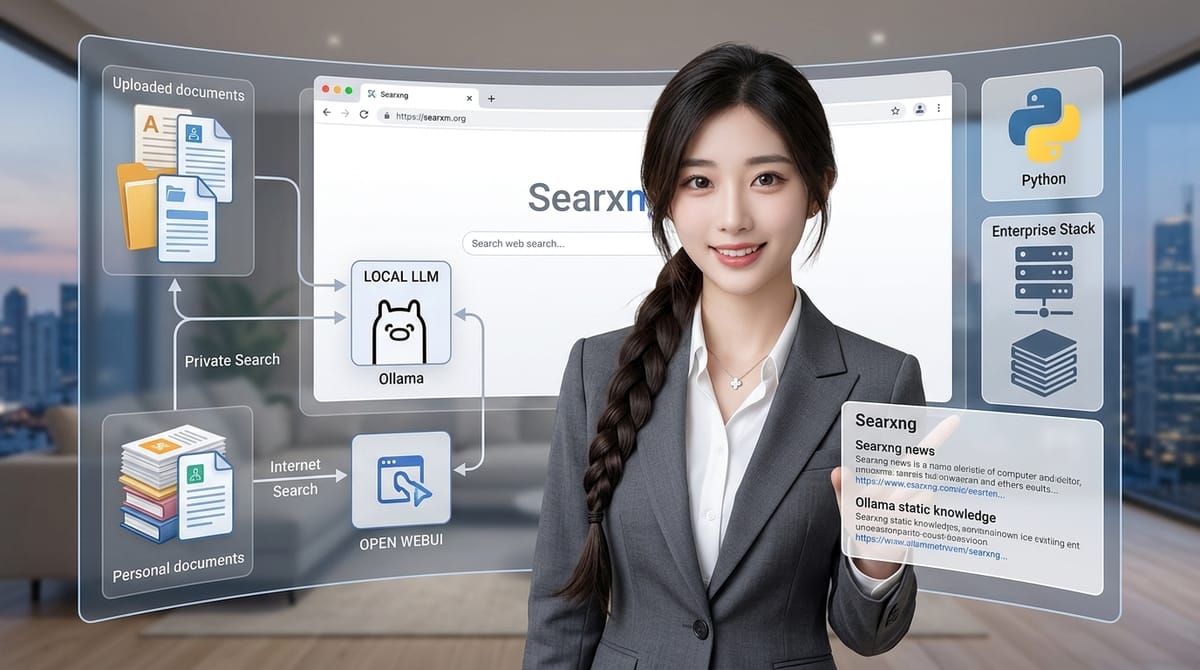
Who should read it?
Data scientists and privacy-minded developers running Ollama locally
Intro
There is a moment every local LLM user hits. You ask your carefully hosted, completely private model about something that happened yesterday, and it answers with serene confidence about a world that ended at its training cutoff. The privacy was real. The knowledge was not.
Meet SearchXNG
The fix is not to send your questions to a hosted search API, which would hand your queries straight back to the ad industry. The fix is to run your own search engine locally and let the model use it. Searxng, a privacy-respecting metasearch engine, aggregates results from other engines without tracking anyone, and it runs happily in a Docker container next to Open WebUI, the standard web interface for Ollama. Once wired up, your model gets a web search tool it can use on every chat, and every part of the pipeline stays on your machine.
One clarification before we start, because it is the most common misconception about this stack:
Searxng searches the public web.
It cannot index the files on your laptop. If your goal is to search your own PDFs, notes, or logs, that is a different build, and it is Method 2 below (with a companion article covering it in depth).
Method 1: Private web search with SearXNG
Step 1: The infrastructure
Open WebUI and SearXNG need to live in the same Docker network so they can talk to each other by name. A minimal docker-compose.yml looks like this:
services:
  open-webui:
    image: ghcr.io/open-webui/open-webui:main
    ports:
      - "3001:8080"
    extra_hosts:
      - "host.docker.internal:host-gateway"
    volumes:
      - open-webui:/app/backend/data
    networks: [search]

  searxng:
    image: searxng/searxng
    ports:
      - "3002:8080"
    volumes:
      - ./searxng:/etc/searxng
    networks: [search]

networks:
  search:

volumes:
  open-webui:
Open WebUI comes up on port 3001, SearXNG on 3002. The extra_hosts line lets the UI reach Ollama running on the host machine, which is the usual setup. The shared search network is what makes the next-but-one step work.
Step 2: The critical step almost everyone misses
By default, Searxng returns HTML, which is great for humans and useless for a model. Open WebUI needs JSON, and Searxng will refuse to serve JSON unless you explicitly allow it. In your searxng volume, edit settings.yml and add json to the formats list:
search:
  formats:
    - html
    - json
(If the file already has a search: section with a formats key, add the - json line to it rather than duplicating the key.) Skip this and every search fails with a cryptic error that points you everywhere except here. This is the single most common reason a Searxng integration "just doesn't work".
Then restart the container so the change takes effect:
docker restart searxng
You can verify it works by hitting http://localhost:3002/search?q=test&format=json in a browser. If you see JSON, you are past the hard part.
Step 3: Connect Open WebUI to Searxng
In Open WebUI, go to Administration > Settings > Web Search, pick Searxng as the provider, and set the query URL to:
http://searxng:8080/search?q=
Be careful: it is not http://localhost:3002/search?q=. From inside a container, localhost means the container itself, not your machine. Open WebUI and Searxng are separate containers, so the UI must reach Searxng over the shared Docker network using the service name, searxng, which Docker resolves automatically because both containers sit on the search network from step 1. This is the second most common reason the integration fails, right after the JSON formats.
Step 4: Anchor the model in time
A model with a search tool still needs to know that searching is worth it, and that requires knowing what day it is. LLMs have no clock. The fix is a system prompt using Open WebUI's CURRENT_DATE template variable, which the UI fills in at runtime:
"You have access to web search. Always find the most up-to-date information for queries about current events, prices, releases, or news. Today's date is {{CURRENT_DATE}}."
Without the date, a model will happily answer "as of my last update" and skip the tool entirely. With it, the model knows its training data is stale and reaches for the search.
Step 5: Give the context window room
Search results are text, and text are tokens. A model with a small context window will receive a pile of web results and quietly drop most of them, then answer from what survived. Set the context length (num_ctx in Ollama terms) to something generous, in the 10,000 to 20,000 token range, in the model's settings in Open WebUI. Below that you pay for the retrieval and then throw the payment away.
Step 6: Test it
Start a chat and toggle the web search switch (the globe icon) on. Ask something that cannot exist in any training set: this week's news, today's weather, a version number released last Tuesday. If the answer cites fresh sources, the whole chain works: Open WebUI asked Searxng, Searxng queried the engines, the results went into the context, and the model read them.
A privacy note that is worth being precise about:
The queries themselves still travel to whatever upstream engines Searxng aggregates.
What stays private is who is asking. Your questions are not tied to your identity, your history is not built into a profile, and the model, the interface, and the conversation log never leave your machine.
Method 2: Search your own documents instead
The mirror-image problem: not "What happened in the world this week?" but "What did I write about this in 2024?". That is document search, and Searxng is not involved, because Searxng indexes the web, full stop. There are 3 ways up this hill, ordered by effort.
The one-click option: Open WebUI's built-in RAG
Open WebUI ships with retrieval-augmented generation built in. Upload a document to a chat or a knowledge collection, and it chunks the text, embeds the chunks into a vector store, and pulls back the relevant pieces for each question before sending them to Ollama. No code, no infrastructure, and it handles the whole embedding-and-retrieval loop for you. For "Analyze this contract" or "What does this PDF say about backups?", this is the right answer and the one to start with.
The few-lines option: your own semantic search
When you want control, you can build the same machinery in a few lines of Python with sentence-transformers and FAISS:
- Embeddings. A small embedding model, for example
google/embeddinggemma-300m, converts each chunk of your documents into a vector. Similar meanings land close together in that vector space, so "vacation policy" sits near "PTO guidelines" even though no words overlap. - Index. FAISS stores the vectors and finds the nearest neighbors to any query vector fast, which is what makes retrieval instant even over thousands of chunks.
- Retrieve. Embed the question, query the index, and hand the top matches to your local model as context.
The whole thing runs offline on a laptop, and unlike keyword search it survives paraphrase: the query does not need to share vocabulary with the document.
The enterprise option: ElasticSearch or OpenSearch
At team or company scale, swap the toy index for ElasticSearch or OpenSearch. The pattern is the same as Method 1 in reverse: instead of pointing Open WebUI at a private web search engine, point it at your internal index. You get a private corporate search assistant that answers from your own code, wikis, and reports, with the same guarantee that no content leaves the building.
Web search vs document search
| Feature | Web search (Searxng) | Document search (RAG / custom) |
|---|---|---|
| Primary goal | Live internet data: news, prices, releases | Private knowledge: docs, code, notes |
| Core tool | Searxng (Docker container) | sentence-transformers + FAISS, or built-in RAG |
| Data flow | Ollama ↔ Open WebUI ↔ Searxng ↔ internet | Ollama ↔ local vector index ↔ local files |
| Privacy | High: queries proxied, identity hidden | Maximum: data never leaves the device |
They are complements, not rivals. The working setup for most people: Open WebUI plus SearXNG for external research, the built-in upload for digging into specific documents, and the custom or enterprise path only when the built-in one runs out of room.
What to do with this
- Set up the 2 containers, add
jsontoformats, restart Searxng, and point Open WebUI athttp://searxng:8080/search?q=. - Put the date-anchored system prompt on the models you actually use, and raise
num_ctxto 10k to 20k. - For your own files, start with the upload button. Build the FAISS version when you outgrow it; reach for ElasticSearch when the team does.
The result is a model that reads this week's internet without a single query carrying your name, and that remembers what is in your own folders better than you do.